Promote Events with QR Codes, Short Links and Built-In Analytics
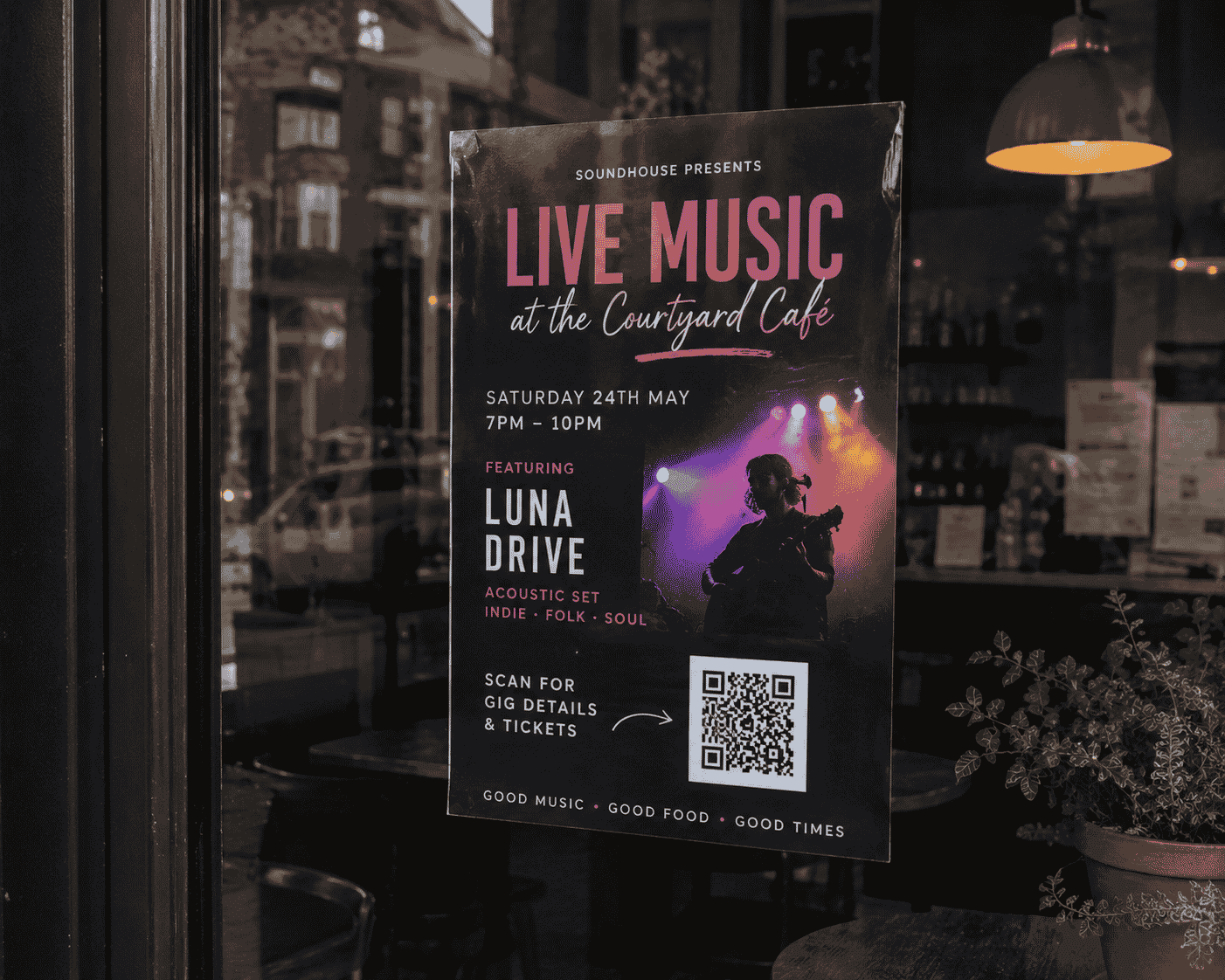
The Riverside Sessions is a monthly live music night at a local cafe. The organiser, Jess, puts posters up around town every month — cafe window, venue door, community board, a few street poles. People see the poster but still message asking what time it starts, who is playing, and whether they need tickets.
For: Bands, venues, promoters, community organisers, and anyone running live events
The problem
Promoting an event on social media is easy — but social posts disappear fast. Posters help, but they cannot fit every detail. Date, venue, lineup, ticket link, parking info, age restrictions — it all gets cramped or left out.
Event organisers end up answering the same questions in DMs, or sending people to three different links across Instagram, Facebook, and a ticketing site.
Why a full website may be too much
A full venue website or custom event site makes sense for a permanent business. For a monthly gig, a one-off wedding, a market day, or a fundraiser, it is usually overkill — especially when the event details change every time.
Ticketing platforms help with sales but do not always give you a clean, shareable page with your branding, countdown, and all the extra info in one place. And they rarely tell you which poster or social post actually drove interest.
How the t.my Event template helps
The t.my Event template is a focused event page — date, venue, description, images, important links, RSVP or ticket info, countdown, and social profiles. Publish at a short link, add a QR code to your poster, and you have a single destination for everything about the event.
Think of it as a link in bio for events, but with room for the details a normal social post cannot hold.
What you can include
- Event name and description
- Date, time, and venue
- Lineup or schedule details
- Event images and branding
- Countdown to the event
- Ticket, RSVP, or booking links
- Social profile links
- Contact details
- Short link, QR code, and built-in analytics
Where to share it
Put QR codes on posters, flyers, cafe windows, venue doors, and street poles. Share the short link in Instagram stories, Facebook events, band newsletters, and text messages.
Here is where it gets useful: create different QR codes for different placements. One for the cafe poster, one for the venue door, one for street poles, one for your social media bio. Same event page — different tracking links.
Why built-in analytics matter
This is one of the biggest practical wins for event promotion. t.my shows you scans and visits per link, so you can see which poster location or channel actually drove interest.
Maybe the cafe window QR code gets four times more scans than the street pole posters. Maybe most clicks come from Instagram, not Facebook. That feedback helps you plan the next event — where to put posters, where to skip, and what to do more of.
All of this works without Google Analytics, UTM parameters, or any technical setup. The analytics are built into the page and QR codes from the start.
Example scenario
Jess creates t.my/riverside-sessions-june with the date, lineup, venue map link, ticket URL, and a countdown. She prints four posters with four different QR codes — cafe, venue, street, and community board.
After two weeks she checks analytics. The cafe poster dominates. The street pole poster barely moved. Next month she skips the street poles, prints two extra cafe posters, and adds the link to the band's Instagram bio. Same effort, better placement — because she could actually see what worked.
Ready to try it?
Create your own event page in minutes — short link, QR code, and built-in analytics included.
Create an event page →Related use cases
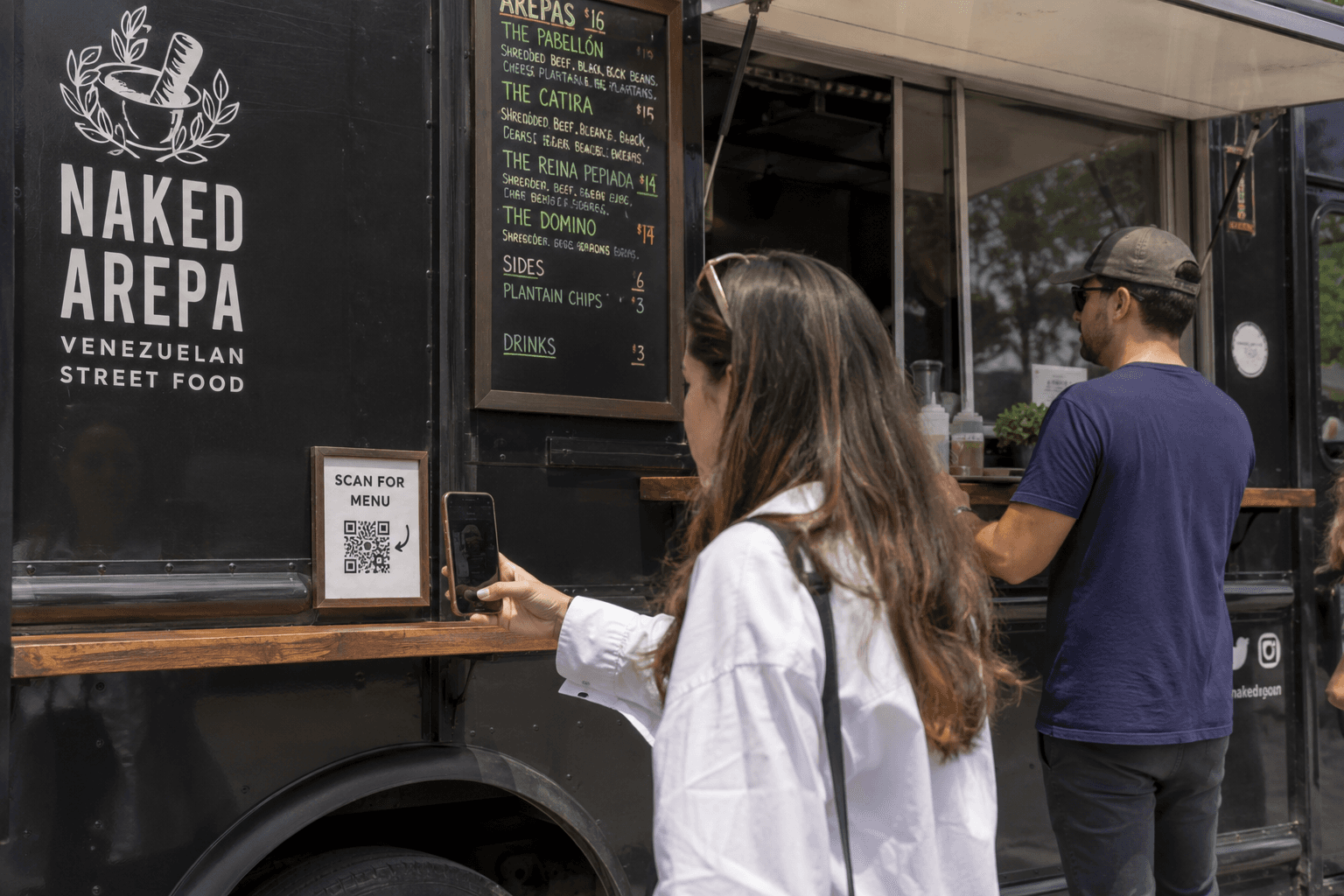
QR Code Menus for Food Trucks, Food Vans and Market Stalls
Replace printed menu boards with a QR code menu page customers can scan on their phone — easy to update, easy to share, with built-in scan analytics.
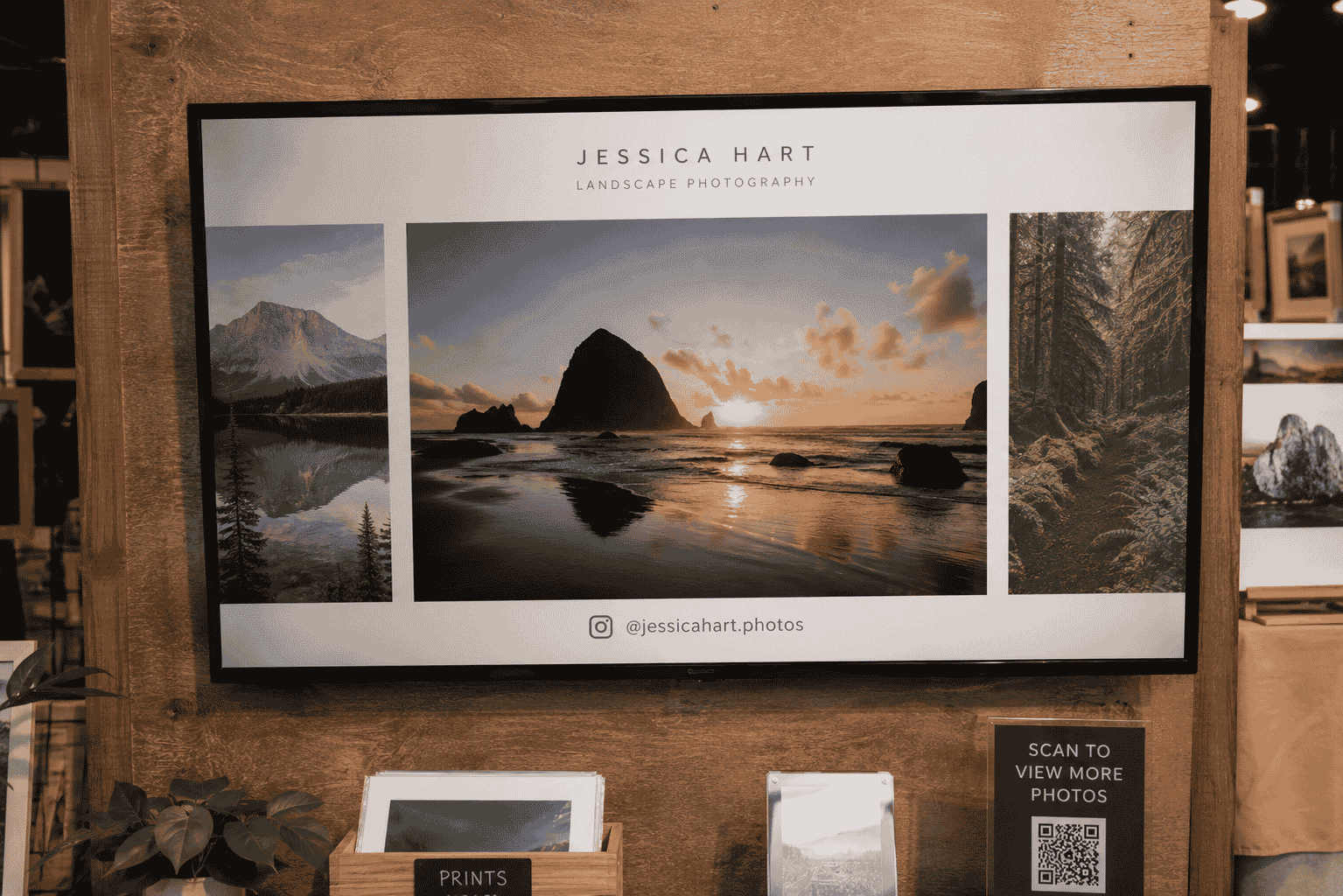
Create an Online Photo Gallery Slideshow for a TV or Display Screen
Open a t.my gallery page on any screen, hit full screen, and let your images loop — no casting, no syncing folders, no website build.