
QR Code Menus for Food Trucks, Food Vans and Market Stalls
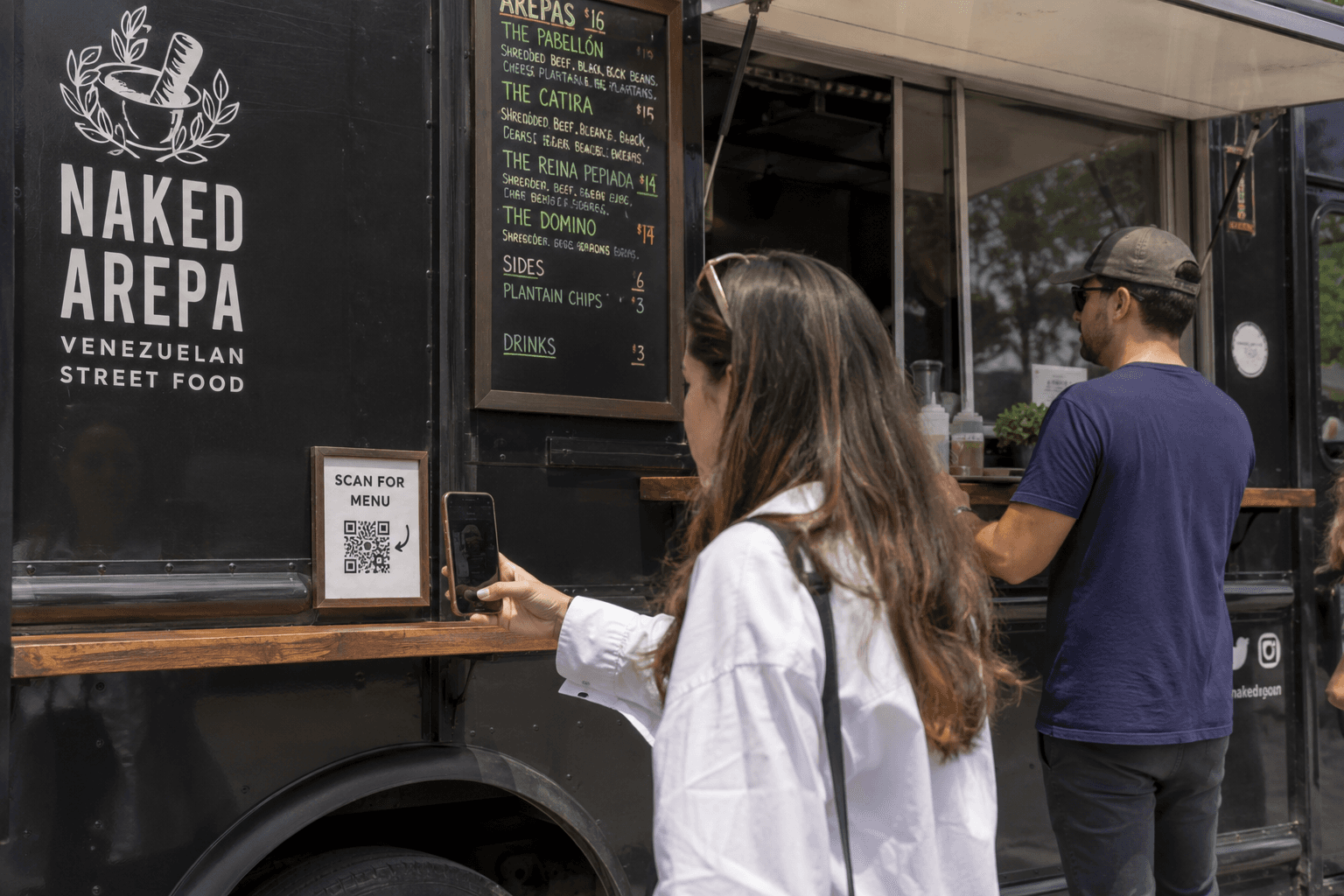
Tom runs a food van called Rolling Tacos. His menu is printed on a laminated sheet stuck to the side of the van. Customers queue in the sun trying to read it. Prices change, items sell out, and he keeps taking photos of the board and posting them on Instagram — which is not exactly a menu.
For: Food trucks, food vans, cafes, market stalls, and takeaway vendors
The problem
Printed menus look fine until they do not. Prices go up. Items sell out. You add a special for the weekend. Suddenly you are reprinting, scribbling changes, or telling every third customer that the board is wrong.
Customers standing in a queue trying to read a menu on the side of a truck is not a great experience either. On a busy market day, you want people to see what you offer quickly — on their own phone, in their own time.
Why a full website may be too much
A food van or market stall rarely needs a multi-page website with an about page, a blog, and an online ordering system. Most operators just need a menu that is easy to read, easy to update, and easy to share.
Building a full site also means paying for hosting, learning a builder, and maintaining something you might only touch once a month. For a menu that changes weekly, that is a lot of friction.
How the t.my Menu template helps
The t.my Menu template gives you a mobile-friendly menu page at a short link. Add your sections and items, publish, and share a QR code. When something changes, edit the page — no reprinting.
It is built for food vans, stalls, pop-up cafes, and anyone who wants a digital menu without building a full website around it.
What you can include
- Your business name and description
- Menu sections (starters, mains, drinks, specials, and so on)
- Individual items with descriptions and prices
- Location or where to find you
- Contact details and social links
- Background image or branding
- A short link and QR code
- Built-in analytics for menu scans and visits
Where to share it
Print your QR code on the van window, a counter sign, table tents, takeaway bags, or a poster at the market. Some vendors use different QR codes for different locations — one for the van, one for a regular market spot, one for a festival — so they can see which placement gets more scans.
You can also drop the short link in Instagram stories, Google Maps, or a text reply when someone asks what is on the menu today.
Why built-in analytics matter
Every QR code and short link on t.my can be tracked. You can see how many people scanned your menu and when — without setting up Google Analytics or guessing from queue length.
If you use different QR codes on different signs, you can compare them. Maybe the big window sticker gets more scans than the small counter card. That is useful feedback for how you set up at your next event.
Example scenario
Tom creates t.my/rollingtacos with his full menu, prices, and a note that he is at Riverside Market on Saturdays. He prints a QR code for the van window and a smaller one for his counter sign.
On Monday he sold out of birria tacos, so he updates the menu in two minutes. On Friday he adds a weekend special. After a month he checks analytics and sees the window QR code gets three times more scans than the counter card — so he makes the window code bigger. No new print run, no full website rebuild.
Ready to try it?
Create your own menu page in minutes — short link, QR code, and built-in analytics included.
Create a QR code menu →Related use cases
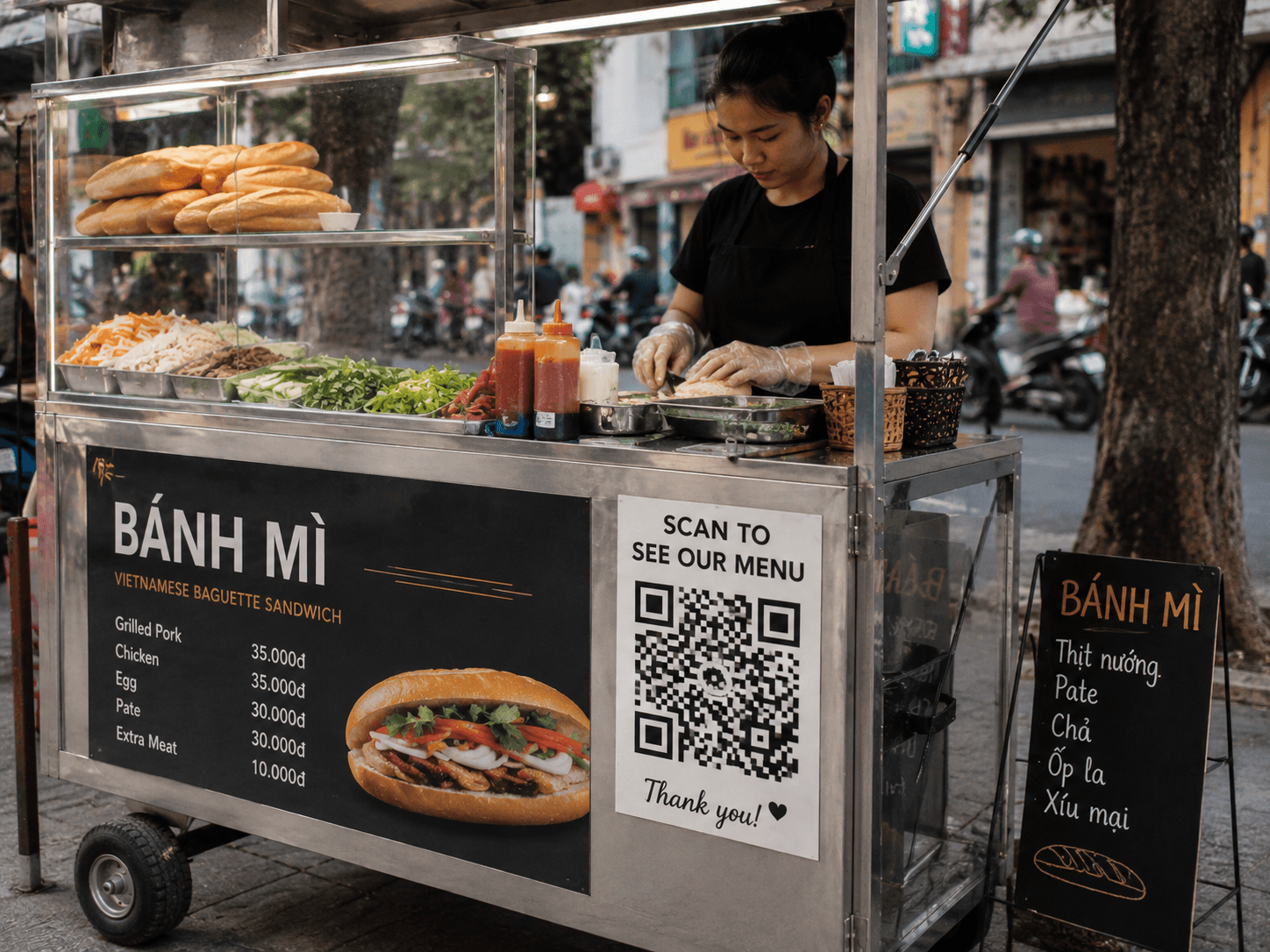
QR Code Menus for Vietnamese Street Food Venues
Give street food customers a scannable menu with photos, descriptions, and prices — built for Vietnamese stalls and night markets, large QR signage, and fast mobile loading on t.my.
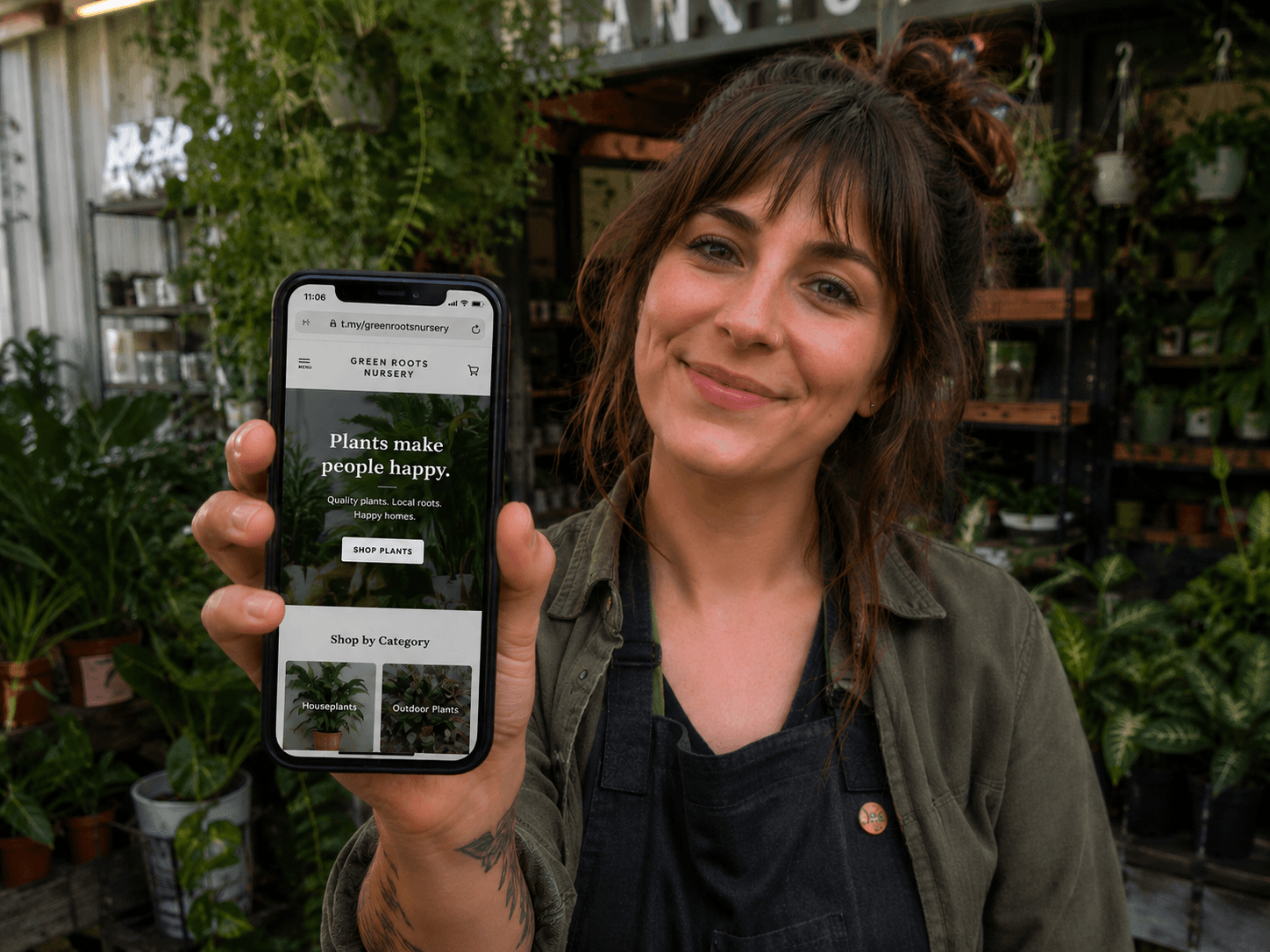
A Simple Online Page for Small Businesses That Do Not Need a Full Website
Home-run sellers and market stalls can publish a neat t.my small business page with photos, hours, contact options, and QR codes — without paying for a full website.
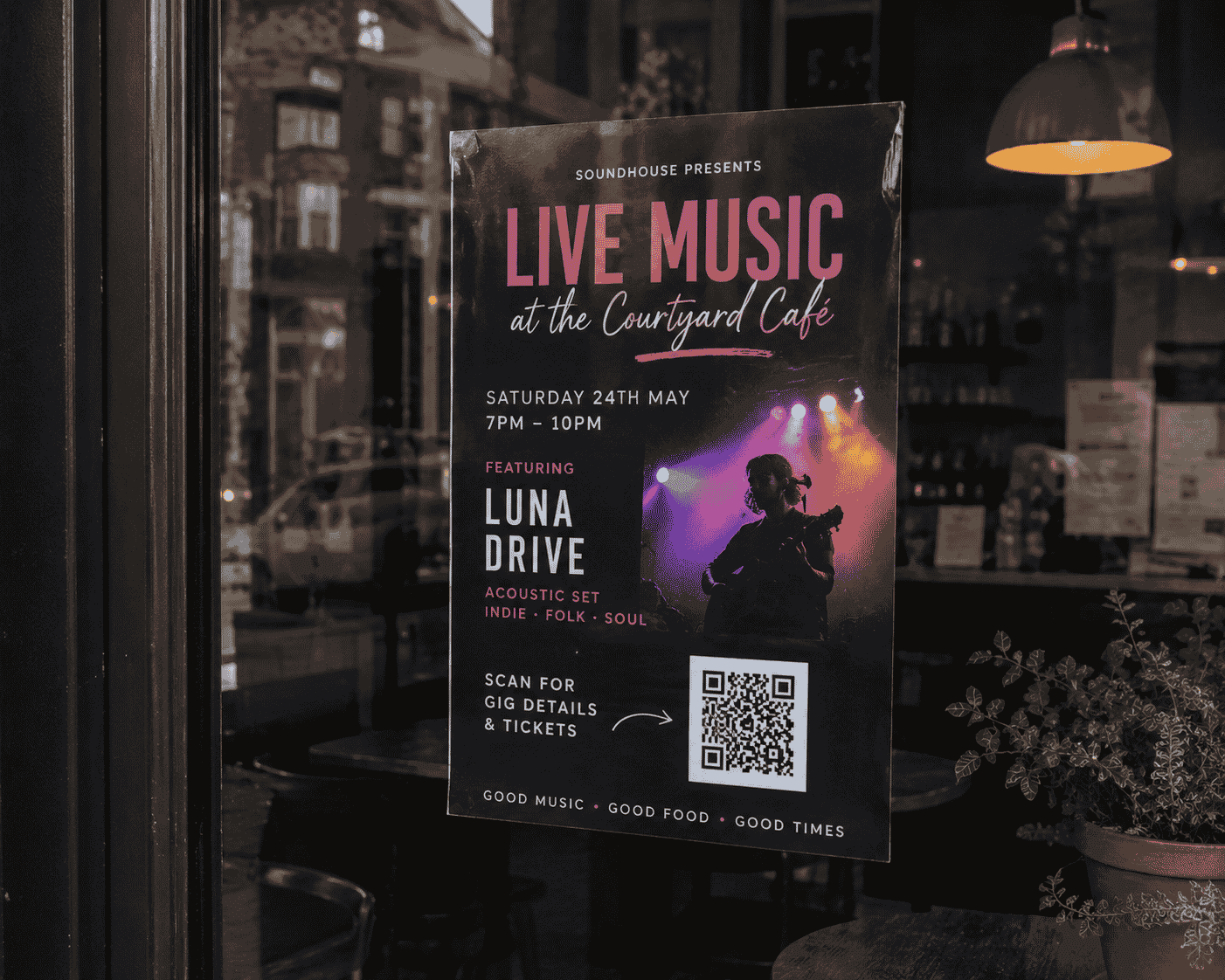
Promote Events with QR Codes, Short Links and Built-In Analytics
Event pages with QR codes and built-in analytics help organisers see which posters and locations drive the most interest — like a link in bio for events, with more detail.