
Create an Online Photo Gallery Slideshow for a TV or Display Screen
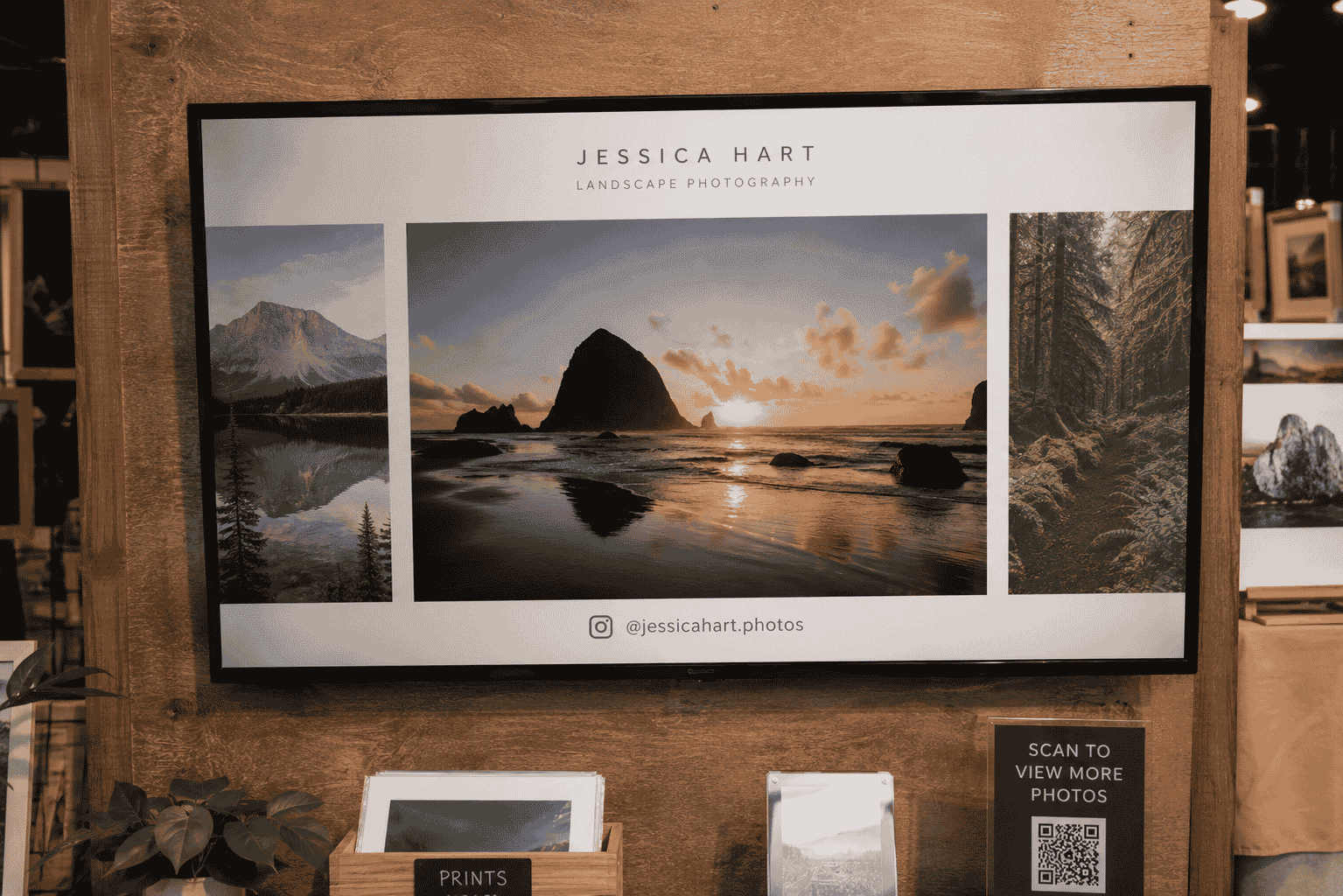
Nina helps organise a local art market. Each stall has a small TV showing photos of the artist's work. Last time, someone tried to cast from their phone, lost connection halfway through, and spent twenty minutes trying to get the slideshow working again. There has to be a simpler way.
For: Artists, venues, shops, event organisers, and anyone showing images on a display
The problem
Showing photos on a TV or display screen sounds simple until you try it. Casting from a phone drops out. Keeping a laptop connected and synced is fiddly. USB sticks with folders of images work, but updating them means copying files again and hoping the TV reads them properly.
For a party, a shop window, a waiting room, a market stall, or an art display, you usually just want images rotating cleanly — without a tech support call.
Why a full website may be too much
You do not need a portfolio website with contact forms, blog posts, and SEO pages just to run a slideshow on a screen. Most display use cases need one thing: images that loop reliably.
Building or maintaining a full site for that purpose adds cost and complexity you will never use. And if you want to swap images mid-event, a traditional setup often means rebuilding or re-uploading through a clunky CMS.
How the t.my Gallery template helps
The t.my Gallery template lets you upload images, set a rotation time, and publish at a short link. Open that link on any TV, monitor, or laptop browser, click full screen, and let it loop.
No casting. No phone paired to the TV. No folder syncing. When you need to update the images, edit the gallery page — the screen picks up the changes next time it loads.
What you can include
- A collection of images
- Automatic slideshow rotation with adjustable timing
- Your name or gallery title
- Optional description
- Profile or logo image
- Social links if you want them on the page
- Short link to open on any screen
- Built-in analytics to see how often the page is viewed
Where to share it
The main use is opening the gallery link directly on the display — a TV in a shop, a monitor at a reception desk, a screen at a market stall, or a laptop connected to a projector at an event.
You can also share the link with venue staff, add a QR code next to the display so visitors can view the gallery on their phone, or send it to someone setting up the screen before you arrive.
Why built-in analytics matter
Even for a display slideshow, it helps to know whether the page is actually being opened. If a shop screen should loop all day, analytics can confirm it is getting regular views — useful if someone unplugged the device or the browser closed.
If you also share a QR code beside the screen, you can see how many people looked on their own phone too — handy for artists who want visitors to browse work after they leave.
Example scenario
Nina creates t.my/lenas-travel-photos with twenty images and a ten-second rotation. She opens the link on a laptop connected to the market TV, hits full screen, and leaves it running all day.
Halfway through the event an artist asks to swap in three new pieces. Nina updates the gallery from her phone in under a minute. No casting drama, no USB drive, no full website — just a link that does the one job it needs to do.
Ready to try it?
Create your own gallery page in minutes — short link, QR code, and built-in analytics included.
Create a gallery page →Related use cases
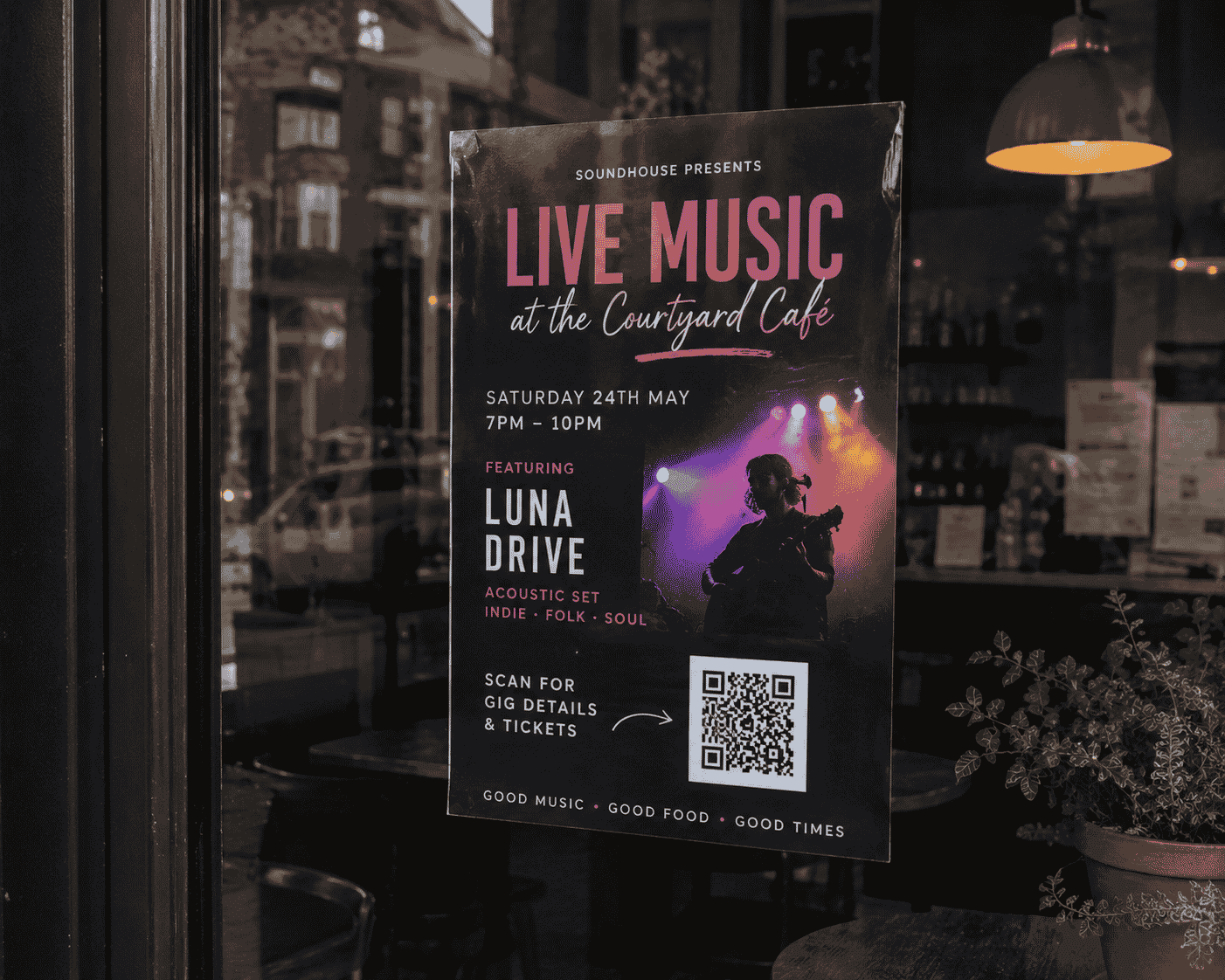
Promote Events with QR Codes, Short Links and Built-In Analytics
Event pages with QR codes and built-in analytics help organisers see which posters and locations drive the most interest — like a link in bio for events, with more detail.

How to Create a Simple Online Page Without Building a Full Website
The t.my Side Hustle template gives creators and weekend sellers one clean link with your story, highlights, gallery, contact details, and built-in analytics — no full website required.