
A Simple Online Page for Small Businesses That Do Not Need a Full Website
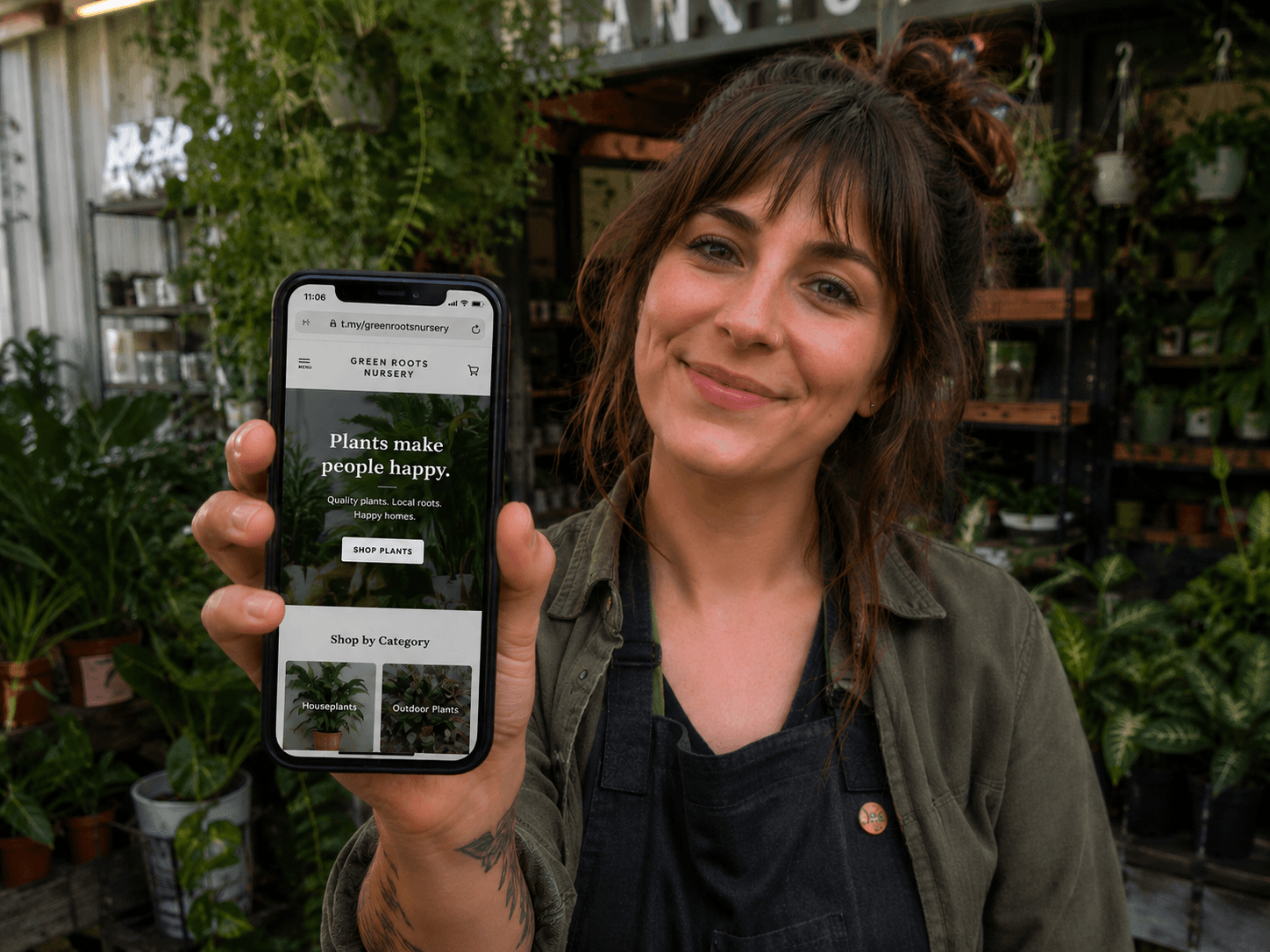
Lena runs a home nursery called Green Corner Plants. She sells at a weekend market and takes local pickup orders through Instagram DMs. People ask for opening times, photos of what is in stock, and her location — the same questions, every week.
For: Home-run businesses, market sellers, plant nurseries, handmade stalls, and local micro-businesses
The problem
Small local businesses often live on Instagram, Facebook, and word of mouth. That works until someone asks for a proper link, your opening hours, or photos of what you actually sell. Answering the same DMs every Saturday gets old fast.
A home-run nursery, a handmade soap stall, or a mobile dog groomer does not always need a big online presence. But they do need something tidy that customers can open in seconds.
Why a full website may be too much
Traditional websites come with monthly fees, setup time, and features you may never use — blog pages, booking plugins, ecommerce carts. For a business that sells mostly in person or through direct messages, that is often more complexity than value.
Analytics make it worse. Most small operators never install tracking properly, so they have no idea whether their flyer, market sign, or Instagram link is actually working.
How the t.my Small business template helps
The t.my Small business template is a focused one-page layout for local operators. It gives you room for photos, services, contact options, location, and links — without the weight of a full website builder.
You can publish quickly, edit when your stock or hours change, and share a short link or QR code on signs, packaging, or business cards.
What you can include
- Business name and summary
- Photos of your products or work
- Services or what you offer
- Opening times or availability notes
- Location and contact details
- Social profile links
- Buy-online links if you sell on Etsy, Shopify, or similar
- Short link, QR code, and built-in analytics
Where to share it
Put a QR code on your market stall sign, plant tags, product packaging, flyers, or business cards. Add the link to your Instagram bio, Google Business profile, or local community Facebook group when someone asks for details.
Because the page is easy to update, you can refresh photos when new stock arrives instead of posting ten separate stories every weekend.
Why built-in analytics matter
t.my shows you visits and QR scans on the same dashboard where you manage your page. No Google Analytics account, no tracking code, no technical setup.
If you print different QR codes — one for market signs, one for plant tags, one for flyers — you can see which ones people actually use. That helps you decide where to focus your limited marketing time.
Example scenario
Lena creates t.my/green-corner-plants with photos of this week's succulents, her pickup hours, market location, and a WhatsApp link for orders. She adds a QR code to her stall banner and another to a card tucked into each plant pot.
After a few weeks she notices most scans come from the pot tags — people take them home and look later. She stops paying for expensive market flyers and puts more effort into the tags instead. Small change, but it came from real data she did not need a developer to set up.
Ready to try it?
Create your own small business page in minutes — short link, QR code, and built-in analytics included.
Create a small business page →Related use cases

How to Create a Simple Online Page Without Building a Full Website
The t.my Side Hustle template gives creators and weekend sellers one clean link with your story, highlights, gallery, contact details, and built-in analytics — no full website required.
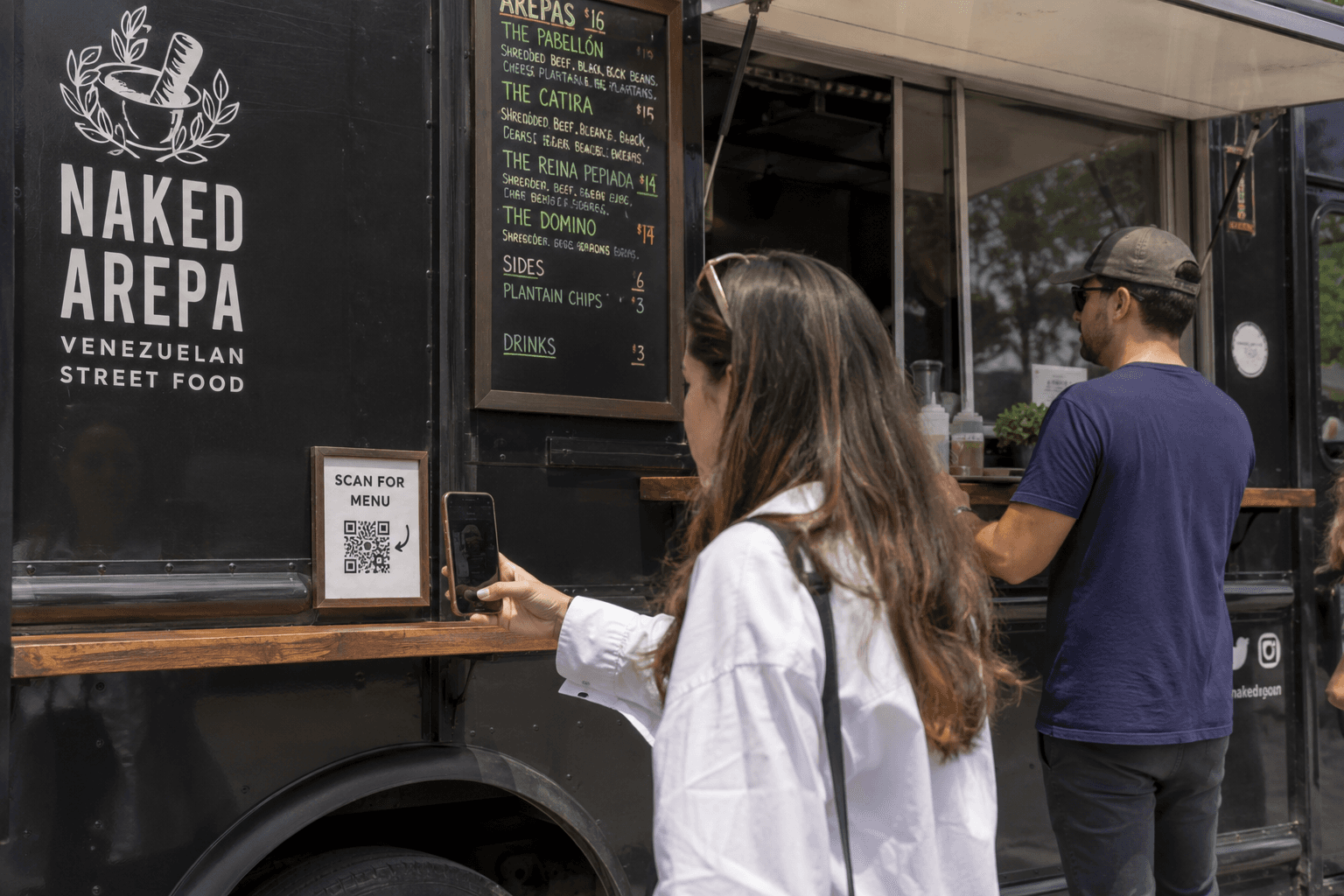
QR Code Menus for Food Trucks, Food Vans and Market Stalls
Replace printed menu boards with a QR code menu page customers can scan on their phone — easy to update, easy to share, with built-in scan analytics.
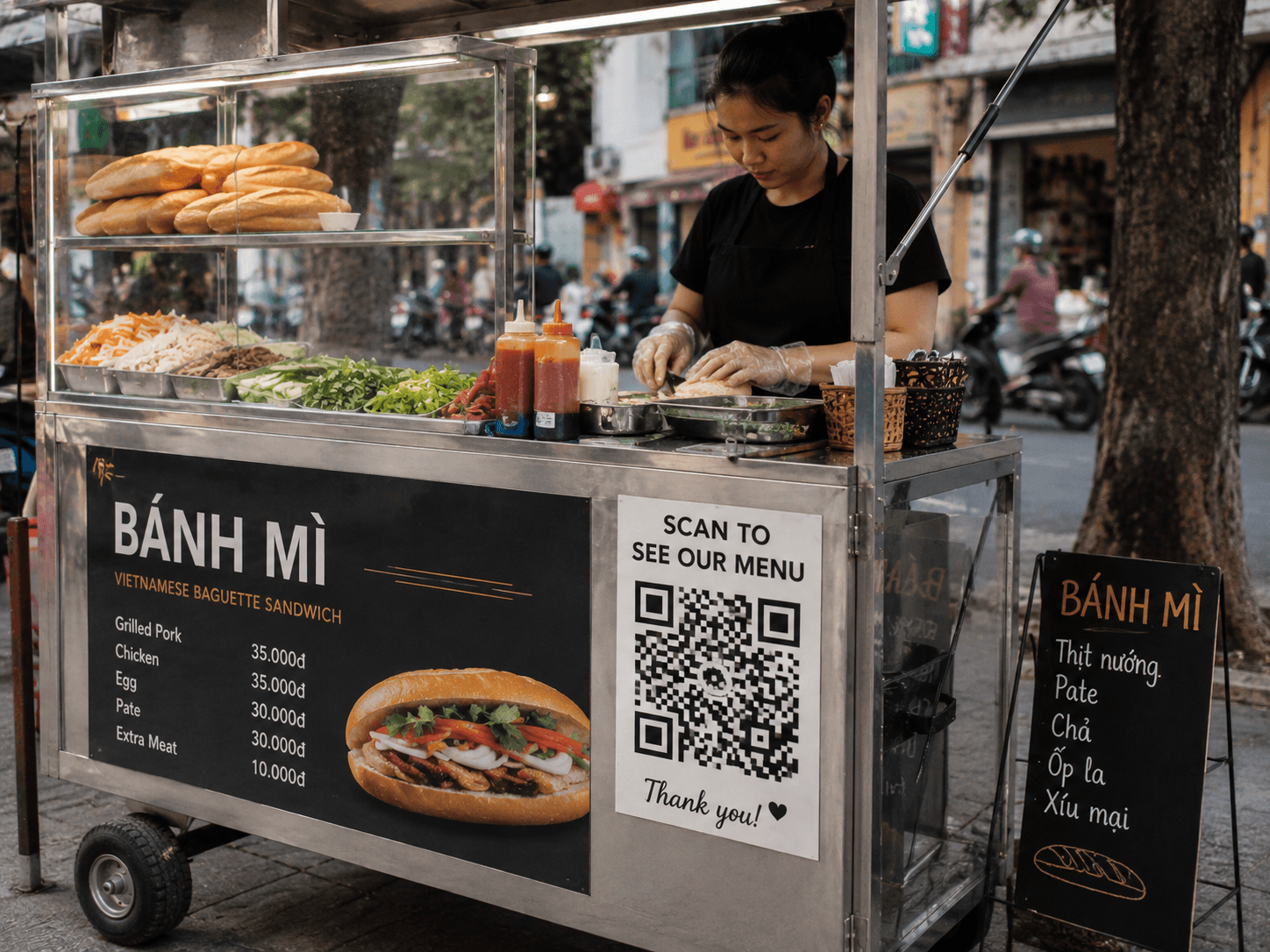
QR Code Menus for Vietnamese Street Food Venues
Give street food customers a scannable menu with photos, descriptions, and prices — built for Vietnamese stalls and night markets, large QR signage, and fast mobile loading on t.my.