
Build a Premium-Looking Website Faster with Built-In Analytics
Marcus runs a mobile personal training business. He has outgrown a basic link-in-bio page — he wants something that looks more professional, with sections for services, testimonials, and FAQs. But he does not want to hire a developer or spend weekends learning WordPress.
For: Local service businesses, consultants, creators, and operators who want a website-style page without the hassle
The problem
Sometimes a single basic page is not quite enough. You want an about section, a services list, testimonials, maybe a FAQ — something that looks like a proper business website when a potential customer lands on it.
But the jump from a simple page to a full website builder is steep. Themes, plugins, hosting, tracking codes, mobile layouts — it adds up fast in time and money.
Why a full website may be too much
A traditional website makes sense when you need complex ecommerce, a large content library, or deep custom development. For many local businesses, consultants, and creators, that is not the starting point.
What they actually need is a polished landing page or business profile — something professional enough to share with clients, but fast enough to launch this week. And they need analytics that work out of the box, not a Google Analytics setup guide.
How the t.my Premium template helps
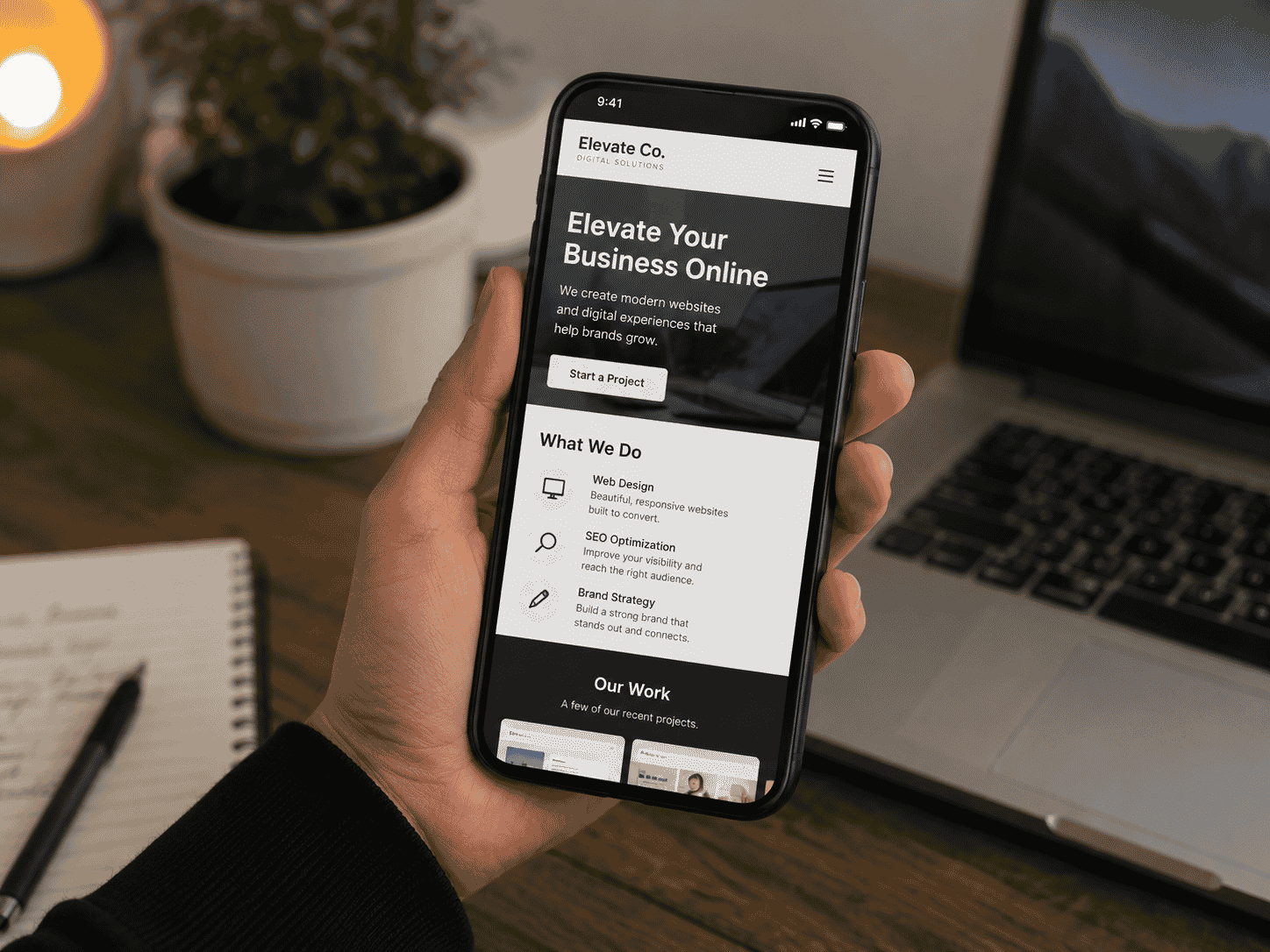
t.my Premium is a multi-section page builder inside a single template. You get a hero section plus optional blocks — about, services, info cards, carousel highlights, gallery, testimonials, FAQ, contact, social profiles, buy-online links, and location.
You only add the sections you need. Skip the rest. Pick a colour scheme, publish at a short link, and share with QR codes — no plugins, no tracking scripts, no hosting panel.
What you can include
Premium includes these optional sections — add only what your page needs:
- Hero — name, description, logo, background images, and primary call-to-action
- About — story text with optional image and background
- Services — repeatable items with title, description, price, and CTA link
- Info cards — up to four highlight cards with title and text
- Carousel / Highlights — up to four slides for featured content
- Gallery — multiple images
- Testimonials — reviews with rating, quote, name, and role
- FAQ — question and answer pairs
- Contact — phone, email, website, WhatsApp, Zalo, address, and intro text
- Social profiles — Instagram, Facebook, TikTok, YouTube
- Buy online — storefront and marketplace links
- Location — physical address
- 12 colour schemes, short link, QR code, and built-in analytics
Where to share it
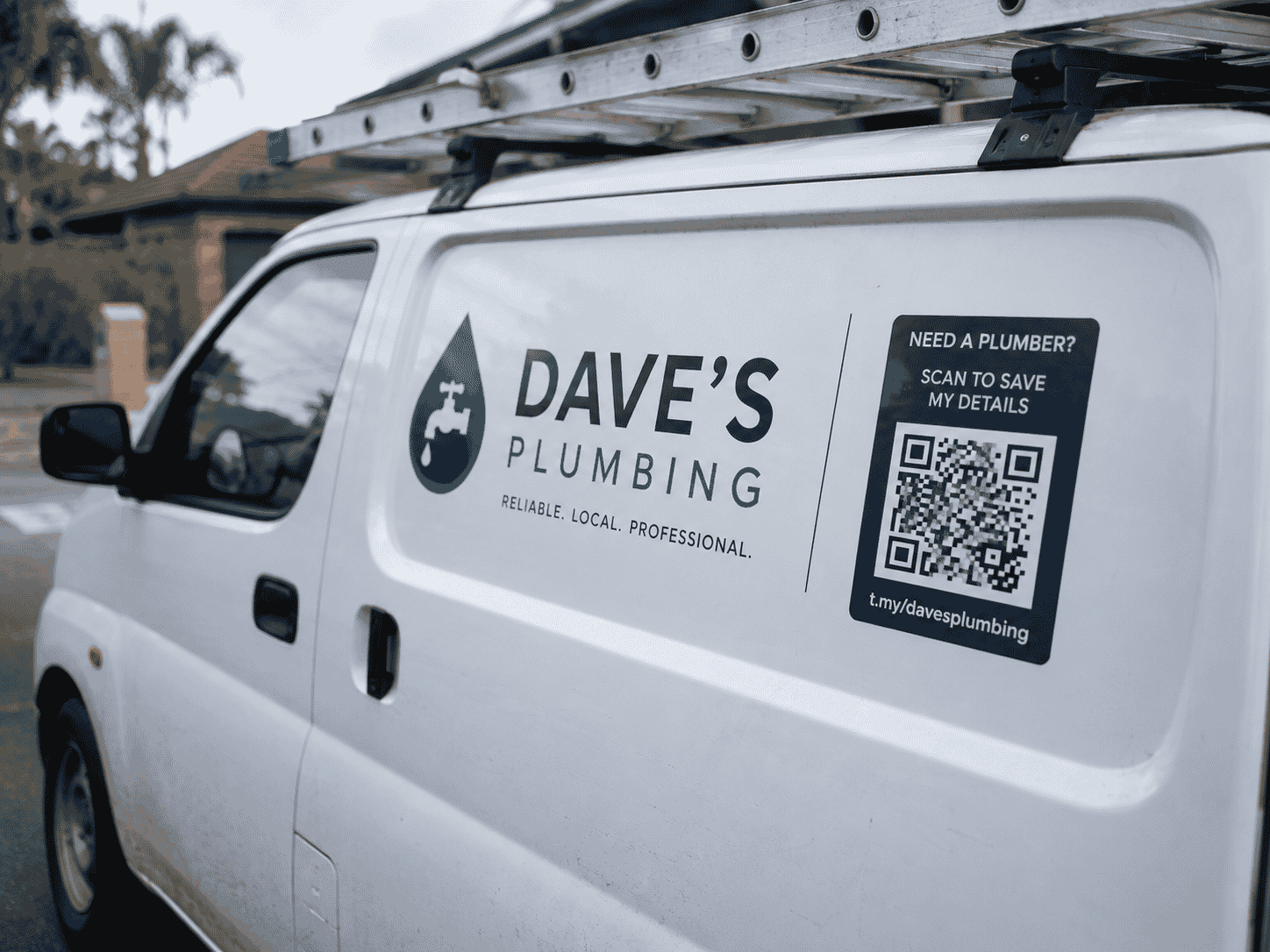
Use your Premium page as a main business link — on business cards, email signatures, LinkedIn, Instagram bio, flyers, and vehicle signage. Print QR codes for shop windows, market stalls, or event banners.
It works well as a landing page for a specific service, a campaign, a product launch, or a general business profile — one link that covers everything a new customer needs to know.
Why built-in analytics matter
Premium pages still need to earn their keep. With t.my analytics you see visits and QR scans without installing anything. No Google Tag Manager, no cookie banners for third-party tracking, no developer required.
If you share different QR codes — one on business cards, one on a flyer, one at a market stall — you can compare which channel brings more attention and adjust your marketing accordingly.
Example scenario
Marcus creates t.my/marcus-pt with a hero, three services with pricing, two testimonials, a short FAQ, and a contact section with WhatsApp. He picks a clean blue colour scheme and publishes in one session.
He adds the link to his email signature and prints a QR code for his gym pop-up banner. When a potential client asks what he offers, he sends one link instead of five screenshots. Analytics show most visits come from the banner QR code at his Saturday market stall — so he renews that spot. Professional result, no agency, no complex CMS.
When Premium is the right fit
If a basic side hustle page is enough, start there. Premium is for when you want more sections and a more polished layout — still without building a full multi-page website. Compare with the Trades template if you are a sole trader with simpler needs.
Ready to try it?
Create your own premium page in minutes — short link, QR code, and built-in analytics included.
Create a premium page →Related use cases

How to Create a Simple Online Page Without Building a Full Website
The t.my Side Hustle template gives creators and weekend sellers one clean link with your story, highlights, gallery, contact details, and built-in analytics — no full website required.
A Simple Website Alternative for Sole Traders and Local Tradespeople
Sole traders can share services, photos, and contact details on a t.my trades page — a simple alternative to a full company website.